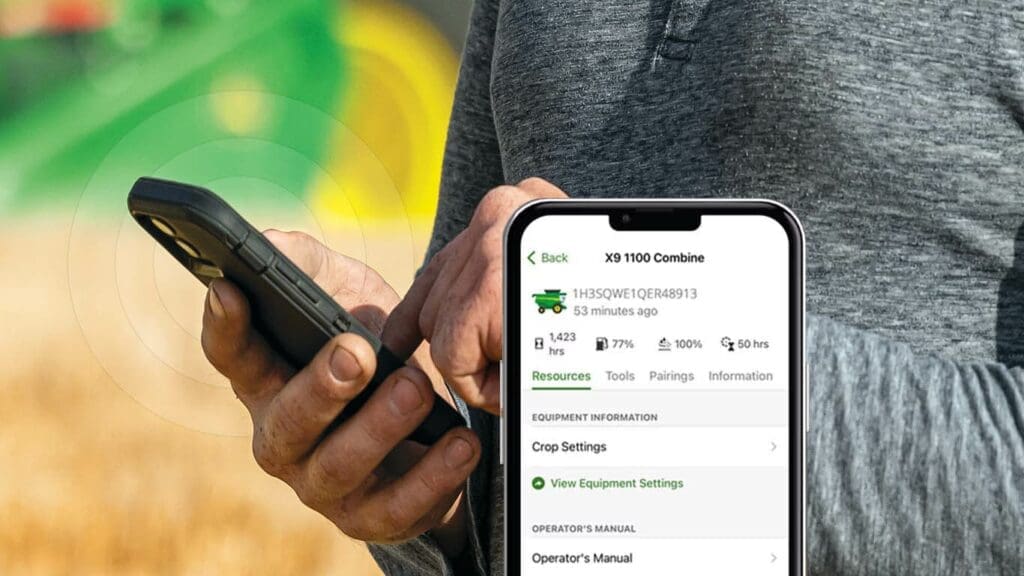
John Deere’s free Equipment Mobile App is a great way to keep track of your equipment serial number. Scan it’s barcode once, and you’ll never have to hunt for it again.
But it’s day to day use goes well beyond that! Whether you’re a homeowner looking to keep a perfect lawn or a farmer baling hay, there are great tools for you inside this John Deere app.
1. Search parts and parts diagrams for your machine
Getting the right part for your John Deere mower or tractor shouldn’t be hard. Once you’ve added your serial number to the Equipment Mobile app, you can shop for JD parts with confidence. The parts diagrams you see in the app will apply to your specific machine. From filters to blades and bearings to belts, you’ll get the right one, every time.
And when you’re ready to buy, you can order the exact part you need online. We’ll deliver to your door or you can pick it up at your local TriGreen Equipment John Deere dealer.
2. Operator’s manual at your fingertips
One of the most sought-after resources for John Deere equipment owners is the operator’s manual. You got one when you first purchased your machine, but if you can’t find the hard copy, why not have one in your pocket?
The John Deere operator’s manual inside Equipment Mobile is specific to your machine. It’s searchable and easy to navigate. Don’t waste time flipping pages when you could tap right to Troubleshooting, Storage, Warranty, Operating Controls, and more.
3. Look up diagnostic trouble codes
The Trouble Code Lookup tool takes the trouble out of figuring out your machine’s warning signs. Search the code you see (ABC ####.###) and be one step closer to up and running again.
4. Find compatible implements
If you’re the proud owner of a John Deere compact tractor, you know the uses for a mini tractor are endless. Take full advantage with the Equipment Mobile compatibility guides for implements and loaders. They’ll help you marry up the tractor you have with the implements and attachments you need to get the job done. You’ll know the implement or loader is the right size and weight for your tractor.
5. Explore factory maintenance plans and track maintenance
Preventative maintenance is the best way to protect your investment. Keep your mower, Gator or tractor on track with factory-supplied maintenance plans.
These plans correspond to your machine’s engine hours. They include a checklist of tasks like checking radiator hoses and clamps, adjusting alternator belts, checking front axle housing oil levels, and more. You can find the part numbers needed for each step within plan. You can even shop for John Deere parts from within your machine’s maintenance plan.
Want to do more with Equipment Mobile? Get Connected!
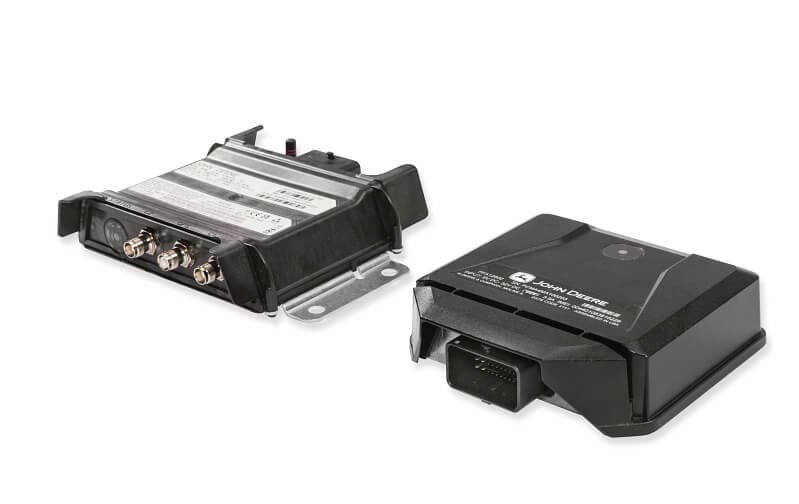
A Smart Connector or Modem connects your mobile device to your phone. Once you set up this connection, a dashboard of equipment metrics can tell you everything you need to know about your machine, even when you’re on the go. You can keep an eye on:
- Fuel level
- Engine load
- Equipment hours
- Active trouble codes
and more! Email precisionag@trigreen.com to learn more about getting your machine connected and make the most of Equipment Mobile.